Web apps
Tinify
Image compression with your own key
Drop images, compress them through TinyPNG with your own API key, and download the results singly or as a zip.
The moment
How can a recurring production task become a safe, legible workflow without ever storing somebody else's credentials?
The idea
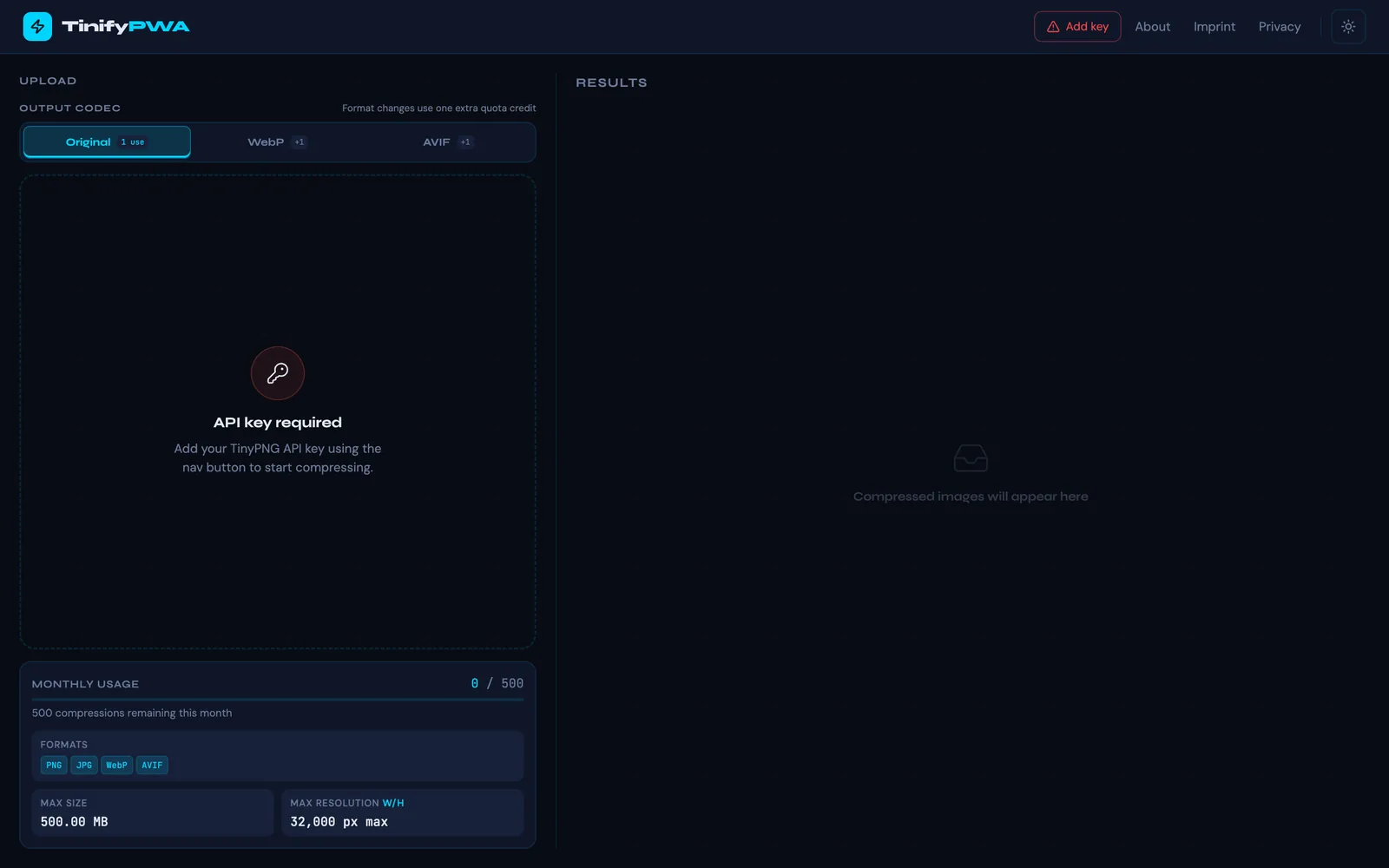
Your own TinyPNG key stays in the browser and passes through a small server proxy that neither logs nor stores it. Upload, progress, savings, quota and download remain visible in one workspace. PNG, JPEG, WebP and AVIF are accepted; conversion to WebP or AVIF is optional.
Why it holds
The friction of an everyday task disappears. It is always clear which files were processed and what was gained. The app shell works offline; compression needs the network.
What you can do with it
- Drop images and compress them with your own TinyPNG key.
- Accept PNG, JPEG, WebP and AVIF; convert to WebP or AVIF if you like.
- See progress, savings and the monthly quota while you work.
- Download results one by one or as a zip.
- The key stays in the browser; the proxy stores and logs nothing.
Good to know
- Nuxt 4, client-rendered, installable
- Monthly quota shown live
- Dark and light mode follow the system
- PWA
- Nuxt 4
- BYOK
- Images
Part
Product design, BYOK flow, API proxy, batch processing, zip download, the PWA development.