Web apps
Staff Paper Creator
Manuscript paper made to measure
Set staves, systems, margins, names and braces — then print precise manuscript paper straight from the browser.
The moment
How can many print settings become a quick workflow in which the result stays visible the whole time?
The idea
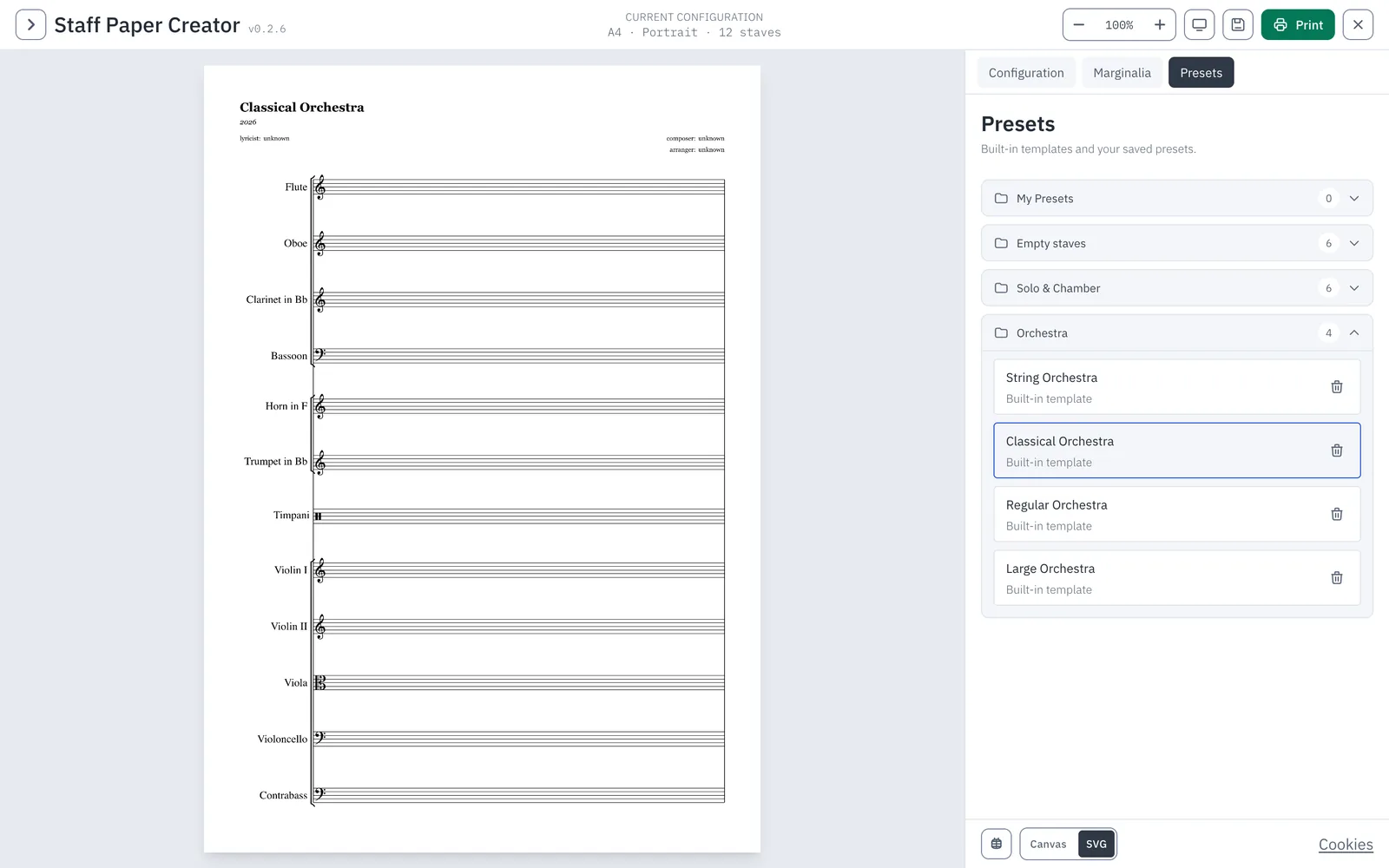
Every setting refreshes the preview at once: paper size and orientation, margins, staff spacing, systems per page, instrument names, brackets and braces. Templates for keyboard, vocal, piano and orchestral layouts give a quick start. The page adapts its spacing so the requested staves always fit.
Why it holds
The settings stay apart from the result without being cut off from it. The tool remains understandable on a small screen, and the print matches the preview to the hair.
What you can do with it
- Start from presets: empty staves, solo and chamber music, orchestras in several sizes.
- Set paper size, orientation, margins and line spacing freely.
- Define systems per page, instrument names, brackets and braces.
- Add marginalia and headers for title and scoring.
- Zoom the preview and print in vector quality – the print matches the preview.
- Save your own settings as presets and call them up again.
Good to know
- Vue 3, VexFlow 5 and XState
- Custom braces, brackets and line connectors
- Analytics only after consent, self-hosted
- PWA
- Vue 3
- VexFlow
Part
Interface design, vector rendering with VexFlow, custom connectors, print workflow, state machine, the PWA development.